The 18 Best Visual Studio Code Extensions in 2026


Table of Contents
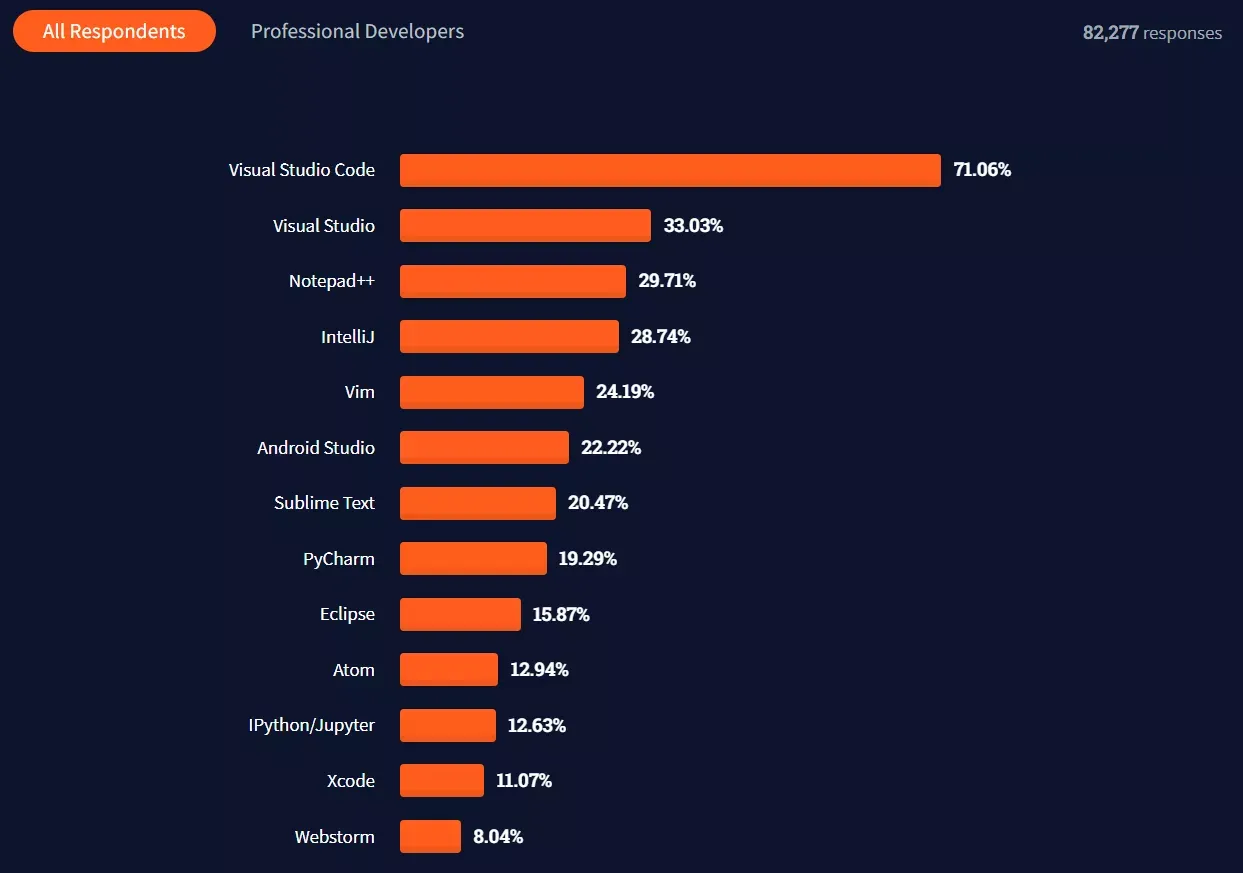
Visual Studio Code is still the most widely used editor in the world in 2026, with over 75% market share among developers. The reason is the same as always: its extension marketplace covers virtually any need. What has changed dramatically is the list of must-have extensions: AI assistants now dominate the conversation, several features that previously required extensions are built into the editor (Bracket Pair Colorization, for example), and tools like Tabnine have fallen out of the top tier.
This is the updated list of extensions that are actually worth installing in 2026, grouped by category.
AI Assistants
1. GitHub Copilot
Copilot is no longer optional. In 2026 it offers contextual autocomplete, full function generation from comments, Copilot Chat inside the editor for technical questions, and Copilot Edits for guided multi-file changes. It’s the most tightly integrated option for developers already living inside the GitHub workflow.
Reasons to install it:
- Completes code in real time with project context.
- Automatically reviews pull requests from GitHub.
- Supports virtually every language.
2. Claude Code
The Claude Code extension (Anthropic) brings the terminal agent directly into the editor. Unlike Copilot, it’s designed for agentic multi-file tasks: reading the entire repo, planning, editing multiple files, and running commands. It complements Copilot rather than replacing it.
Reasons to install it:
- Real agentic work across your entire repository.
- Excellent for large refactors and migrations.
- Runs commands and tests within the workflow.
Git and Version Control
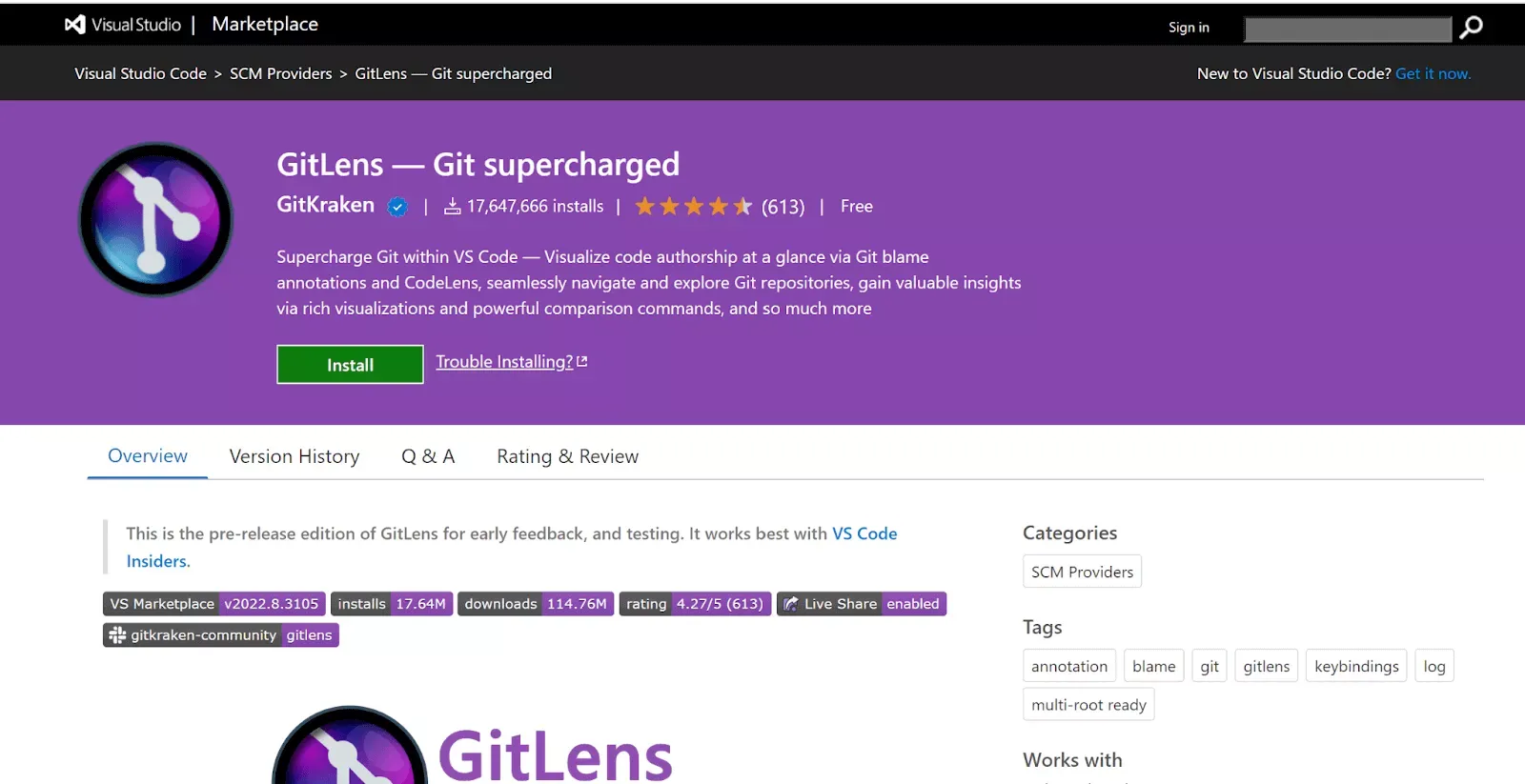
3. GitLens
Still the definitive Git extension. It shows line-by-line authorship, enriched history, contextual blame, and branch comparison — all without leaving the editor. In 2026 it also includes interactive commit graph visualizations.
Reasons to install it:
- Annotated blame on the current line.
- Quick navigation through commits and authorship.
- Native integration with GitHub, GitLab, and Bitbucket.
4. Git Graph
Complements GitLens with a clean commit graph visualization. Useful when GitLens is more than you need at a given moment.
Code Quality and Formatting
5. ESLint
The absolute standard for JavaScript and TypeScript. In 2026, with the stable flat config now available, configuring rules per project is easier than ever.
6. Prettier
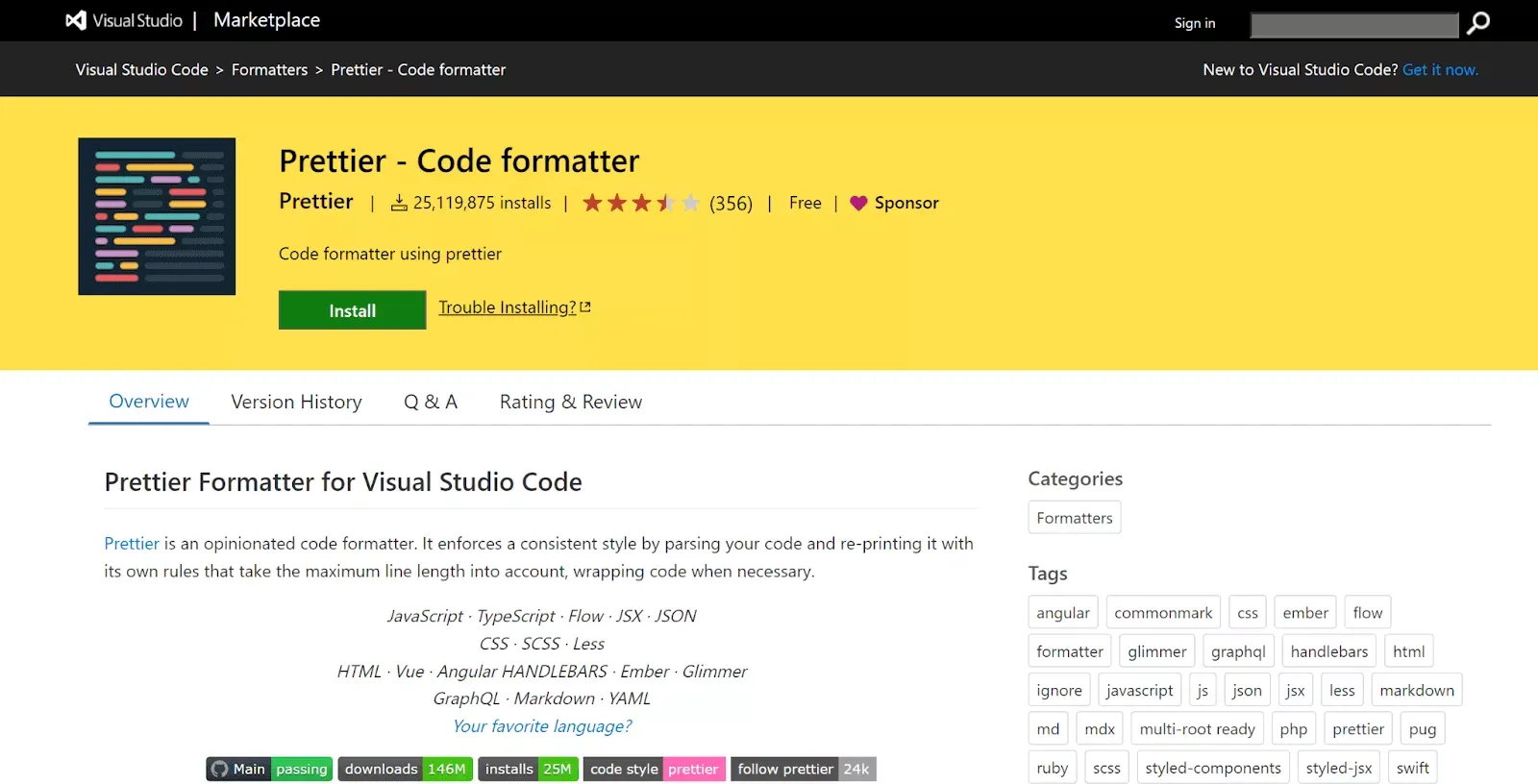
Kills every style debate in code review. Set it up once with .prettierrc, enable Format on Save, and never argue about double vs. single quotes again.
7. Error Lens
The most underrated extension of recent years. It shows errors, warnings, and info inline, right next to the line where they occur — no hovering, no opening the Problems panel. It doubles your debugging productivity.
8. Pretty TypeScript Errors
Turns the infamous TypeScript error messages (with their five-levels-deep nested types) into something readable and well-formatted. Essential if you work with advanced types or heavy generics.
Frontend and CSS
9. Tailwind CSS IntelliSense
If you use Tailwind CSS (and in 2026 there’s a very good chance you do), this extension is mandatory. Utility autocomplete, inline color previews, responsive variant support, and warnings when you combine conflicting classes.
10. CSS Peek
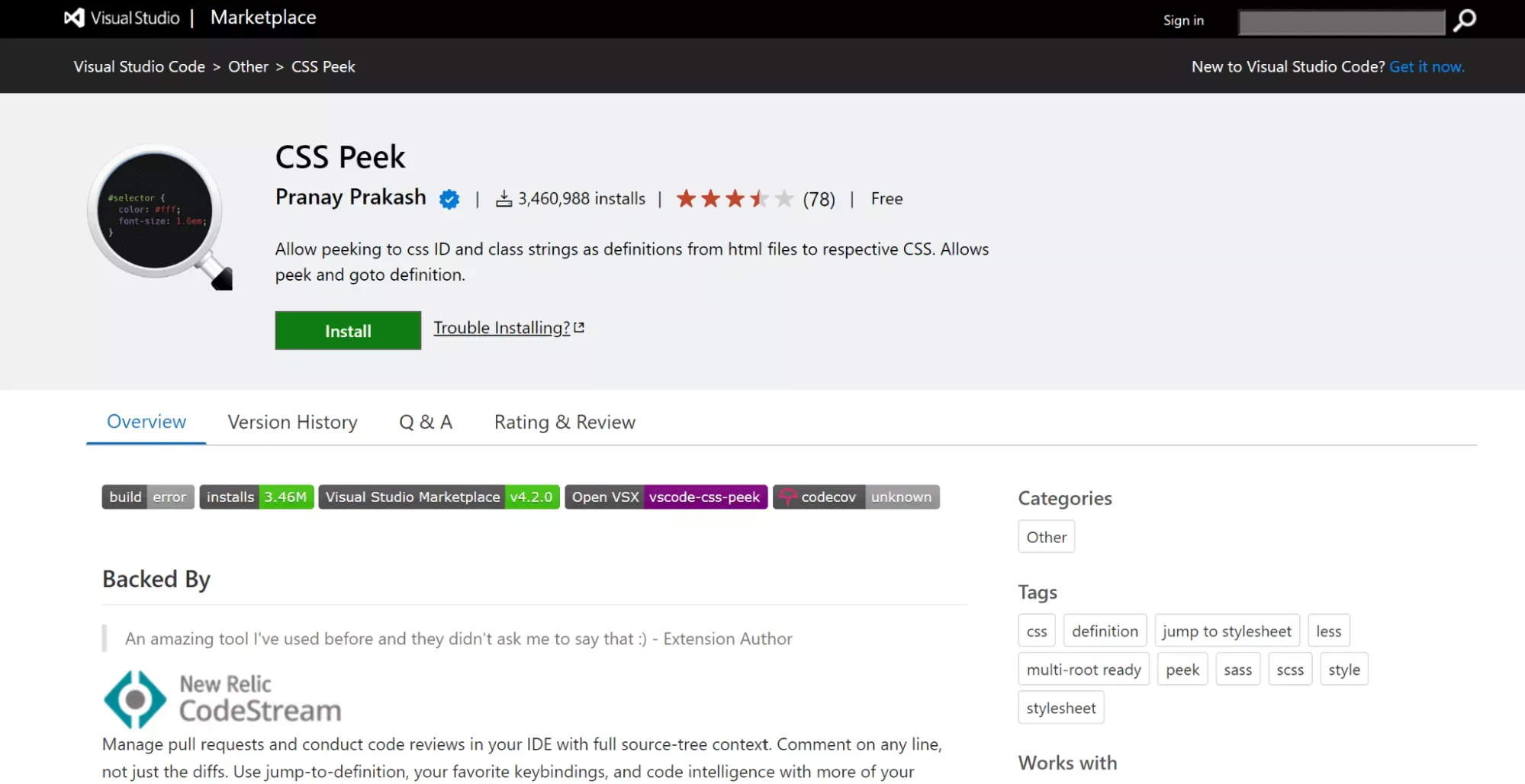
Jump directly to the definition of a CSS class or ID from your HTML. Small but useful when working with large stylesheets.
11. Auto Rename Tag
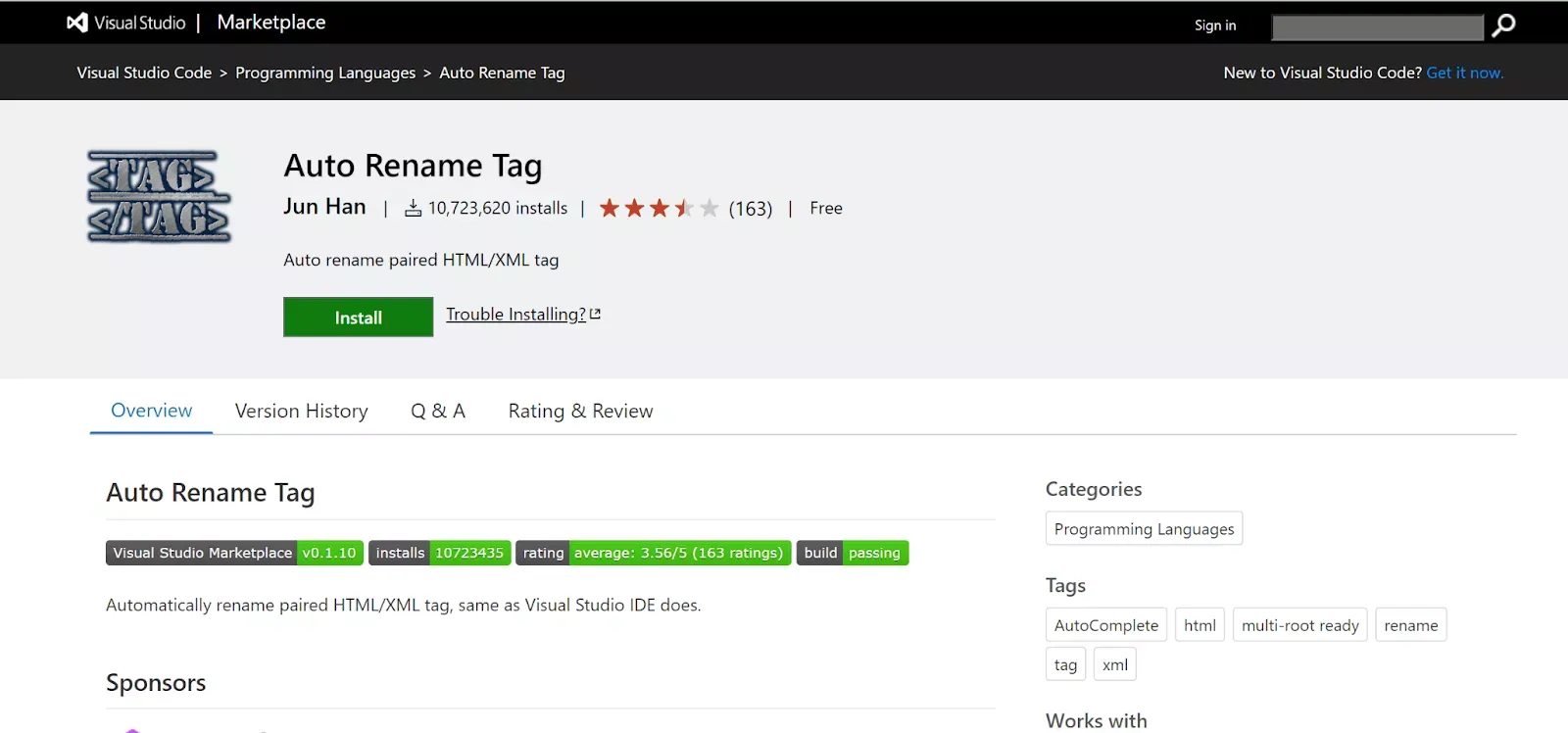
When you change <div> to <section> on the opening tag, the closing tag renames automatically. Minimal investment, enormous savings in typos and mismatched tags.
APIs and Testing
12. Thunder Client
A REST client built into VS Code. It stores collections in your workspace (not in the cloud), so they travel with your repo. It’s the most popular Postman alternative for local workflows.
13. REST Client (Huachao)
For developers who prefer defining requests in versionable .http files. A plain HTTP line, no GUI, executable with a single click.
Development Environments
14. Remote – SSH
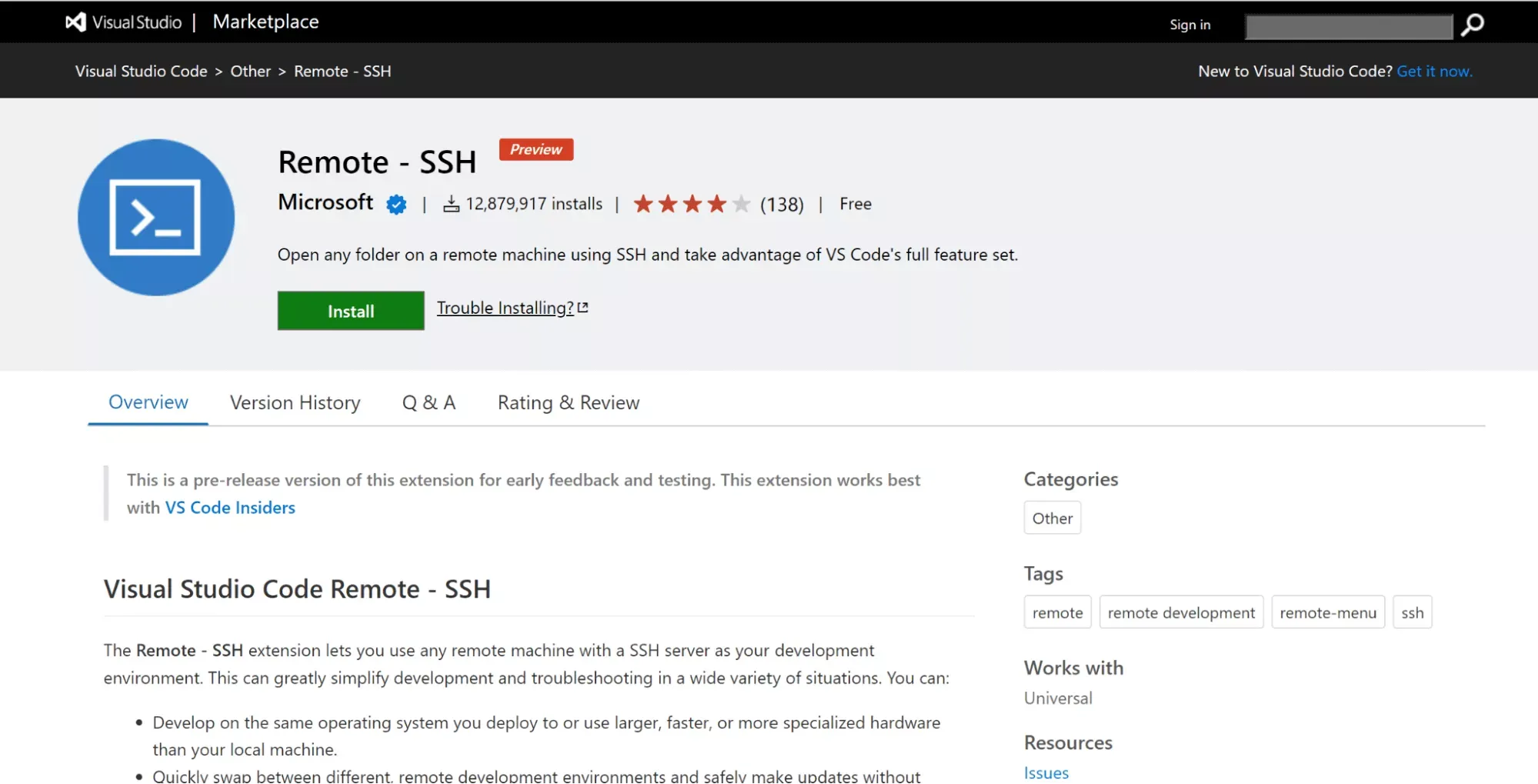
Lets you work against any remote machine (VPS, staging server, a more powerful box) as if it were local. In 2026 it’s still the fastest way to access a high-resource environment without wrestling with WSL or VMs.
15. Dev Containers
Define your development environment in a devcontainer.json and every team member works with exactly the same versions of Node, PHP, Python, etc. Say goodbye to “it works on my machine.”
16. Live Share
Real-time pair programming: the guest sees and edits your workspace from their own VS Code, with an independent cursor. Ideal for review sessions, collaborative debugging, or onboarding.
Productivity and Organization
17. Markdown All in One
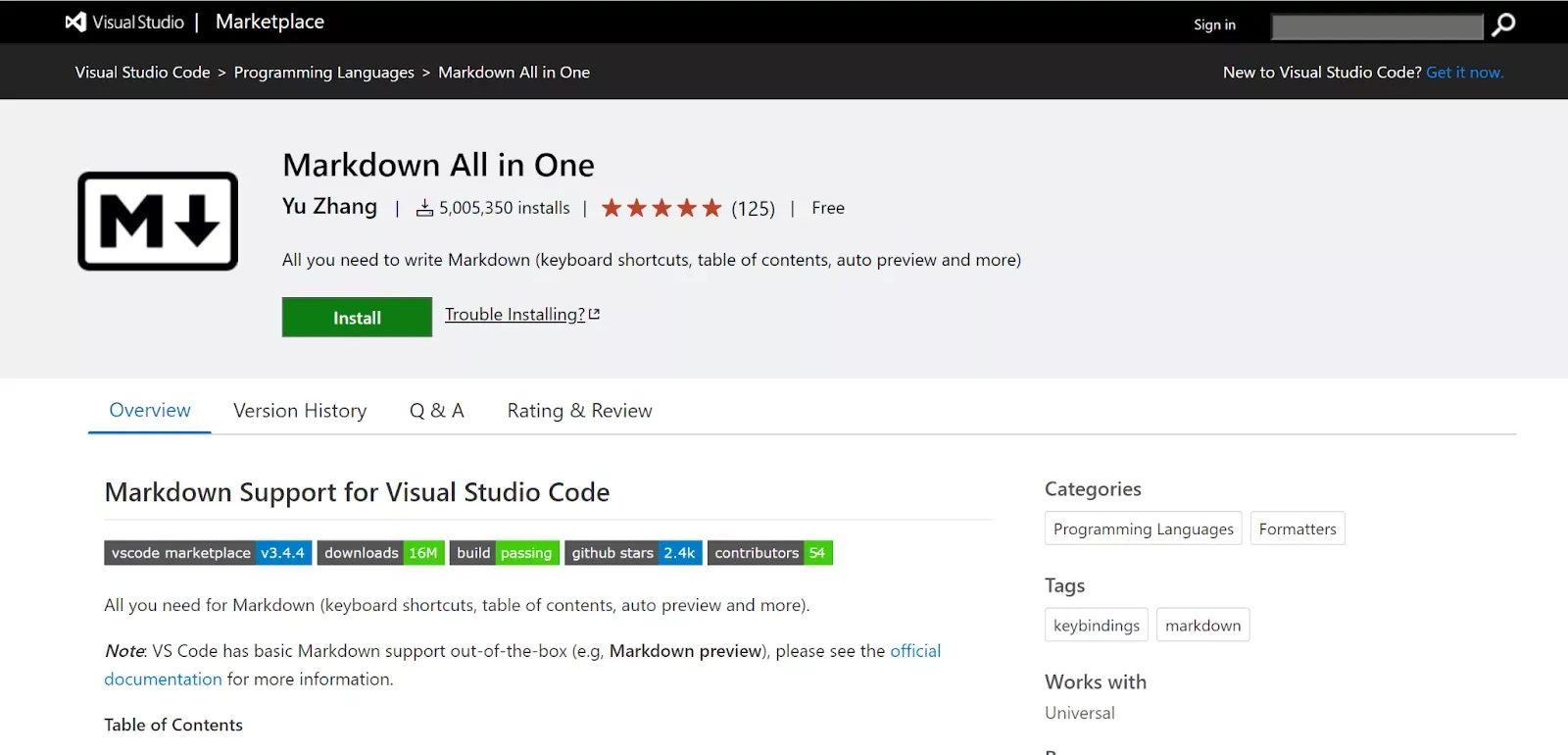
If you write READMEs, documentation, or a blog in MDX (like this one), this extension is indispensable: shortcuts for lists, TOC generation, side-by-side preview, and syntax autocomplete.
18. vscode-icons
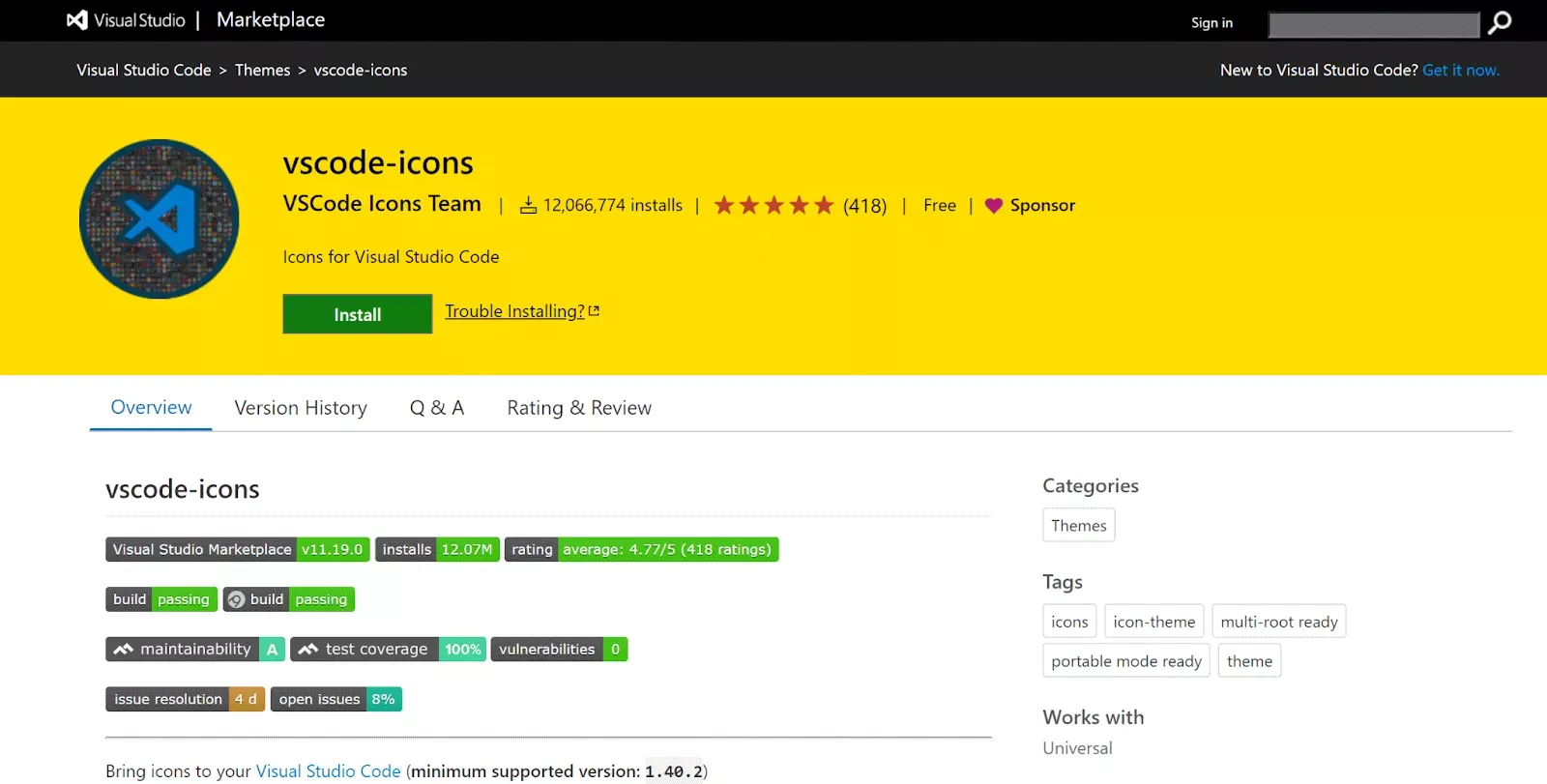
Replaces the default explorer icons with a far more descriptive set. Automatically detects your project type.
What I Removed from Previous Versions of This List
For those who read an earlier version: Bracket Pair Colorizer is now native in VS Code (no extension needed), Tabnine has been displaced by Copilot and Claude Code, and LambdaTest is more relevant to dedicated QA teams than most developers. Live Server is still useful but only if you work with pure static HTML — with any modern framework (Vite, Astro, Next, Nuxt) you already get hot reload out of the box.
Conclusion
The 18 extensions above cover the complete workflow of a web developer in 2026: writing code with AI, version control with Git, maintaining quality with ESLint/Prettier, working with modern CSS, testing APIs, and sharing environments. You don’t need all 18 installed at once: start with Copilot or Claude Code, GitLens, Error Lens, and Prettier, then add the rest based on your stack.
If you have another extension that saved your day in 2026, drop it in the comments.
Found it useful? Get the next one by email
Once a week: what breaks when you upgrade, AI for developers and what I'm building, with sources. No spam.
By subscribing you accept our privacy policy.