The 8 Essential Tools to Organize Your Developer Workflow in 2026

Table of Contents
The developer stack has changed more in the last two years than in the previous decade: AI assistants went from experiment to daily workflow staple, and bloated task managers are being replaced by far leaner alternatives. This is the list of tools that in 2026 genuinely make a difference for staying organized and productive.
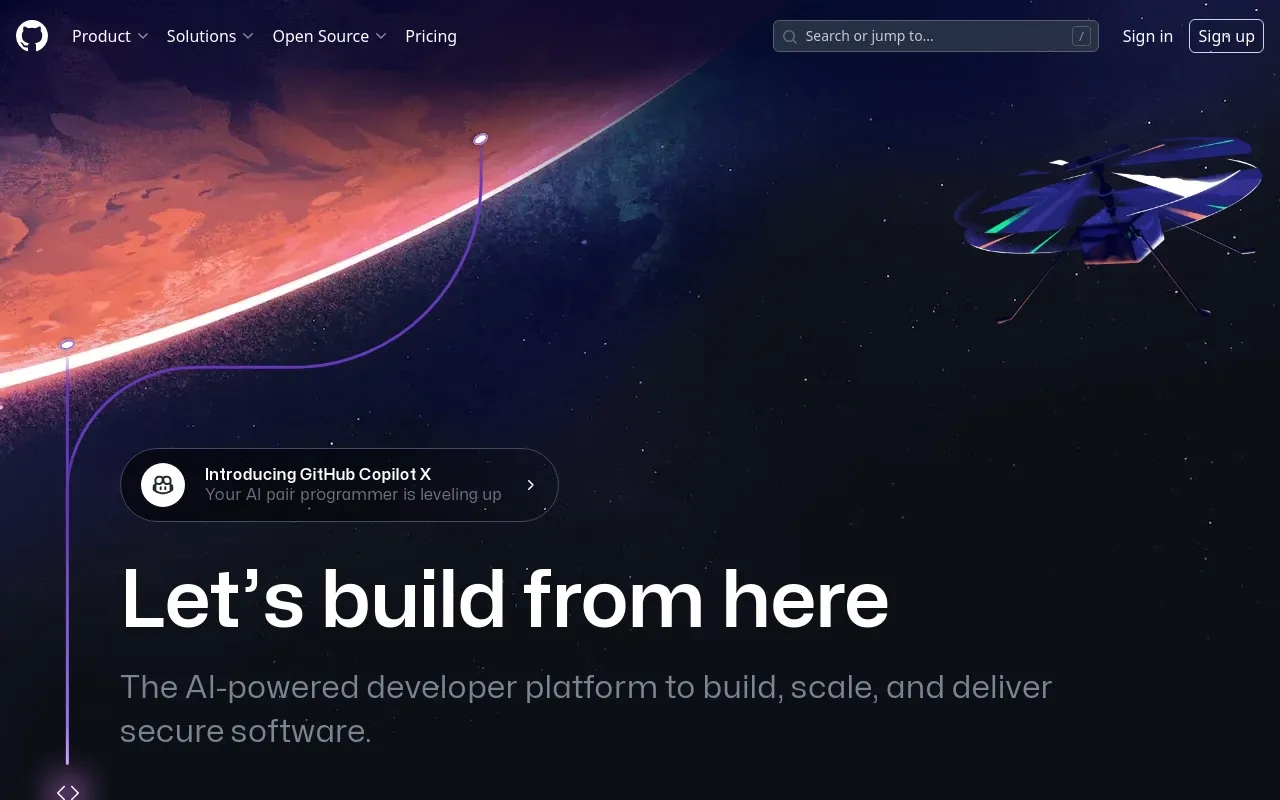
1. Git and GitHub
Git remains the default version control system and GitHub is still the dominant platform for hosting code and collaborating. What’s new in 2026 are features that are no longer optional: GitHub Actions for CI/CD, Codespaces for remote environments ready in seconds, and the Copilot integration inside pull requests for automatic reviews.
If you work on a team, mastering git rebase, git worktree, and pull requests with conventional commits is still the foundation everything else is built on.
2. Visual Studio Code
VS Code holds over 75% market share among developers in 2026. The reason is simple: it combines a lightweight editor with an extension ecosystem that covers virtually any language or framework. I have a dedicated guide on this blog to the best VS Code extensions, but if you had to install just three, go with GitLens, Error Lens, and the extension for your favorite AI assistant.
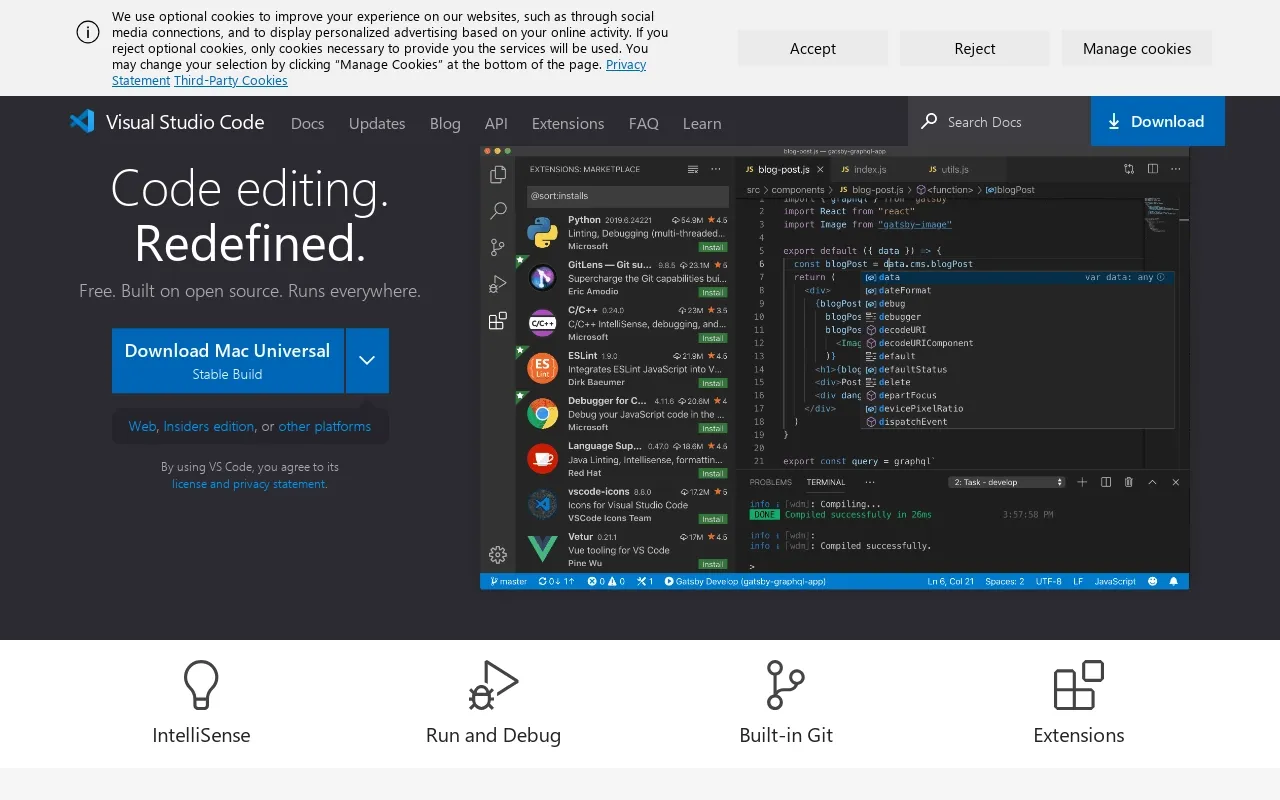
code.visualstudio.com
3. Claude Code / GitHub Copilot
The biggest change from previous versions of this list. In 2026, working without an AI assistant means working with one hand tied behind your back.
- Claude Code (Anthropic) runs in your terminal, reads your entire repository, edits multiple files, and executes commands. It’s the best option for multi-file tasks, large refactors, and agentic work.
- GitHub Copilot lives inside your editor and PRs. It’s unbeatable for contextual autocomplete and automatic pull request reviews.
They’re not mutually exclusive: many teams use Copilot day-to-day inside the editor and Claude Code for larger tasks in the terminal.
4. Docker
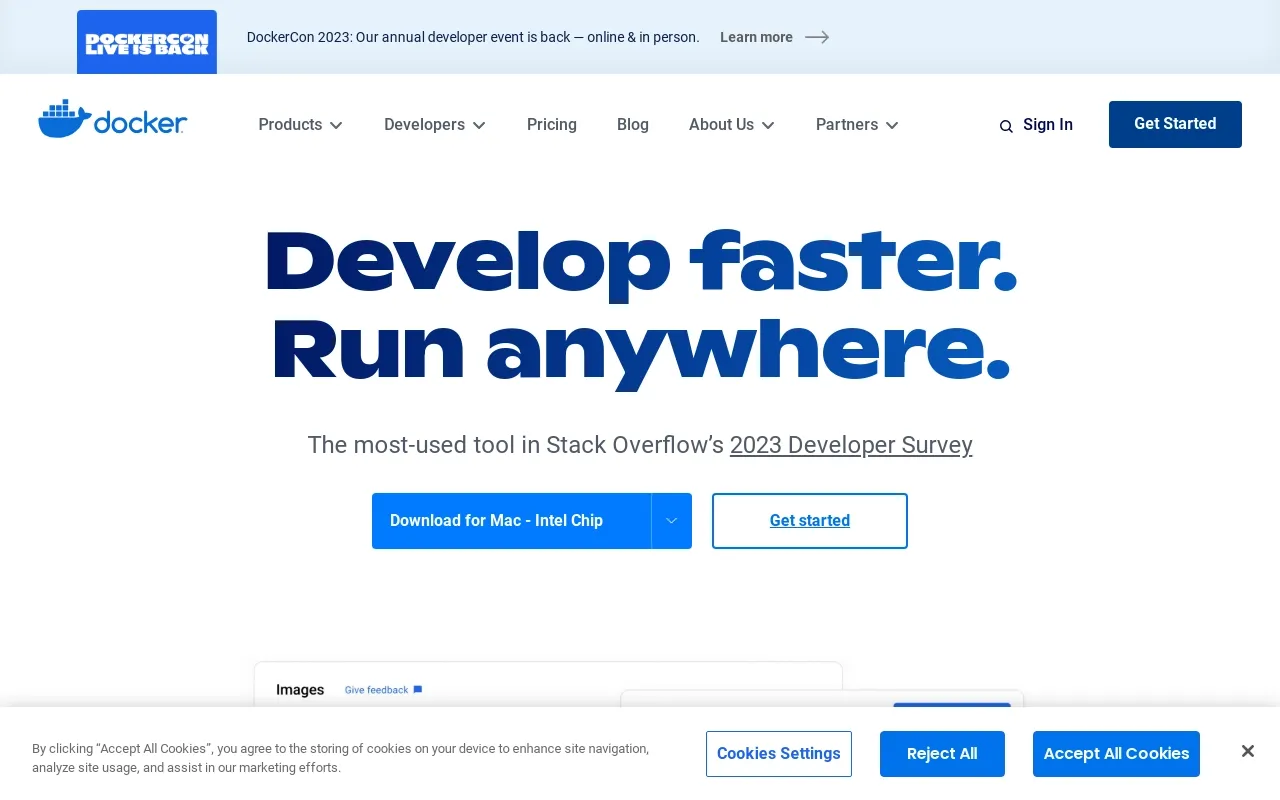
“Works on my machine” barely exists anymore thanks to containers. In 2026 the most common workflow is still Docker Desktop (or OrbStack on macOS, which is noticeably faster) combined with docker compose to orchestrate services locally. VS Code Dev Containers take this idea one step further: define your environment in a devcontainer.json and the entire team works with exactly the same versions of Node, PHP, or Python.
5. Linear (or Jira, if you have no choice)
Trello and Jira are still around, but Linear has become the standard for modern product teams for one very concrete reason: sub-50 ms latency and an opinionated workflow (Triage → Backlog → In Progress → Done) that eliminates all of Jira’s bureaucratic configuration. Its keyboard shortcuts are so good you rarely need to touch the mouse.
If you work alone or on a small team, Trello or GitHub Projects are still more than enough — and free.
6. Slack (or Discord, depending on the team)
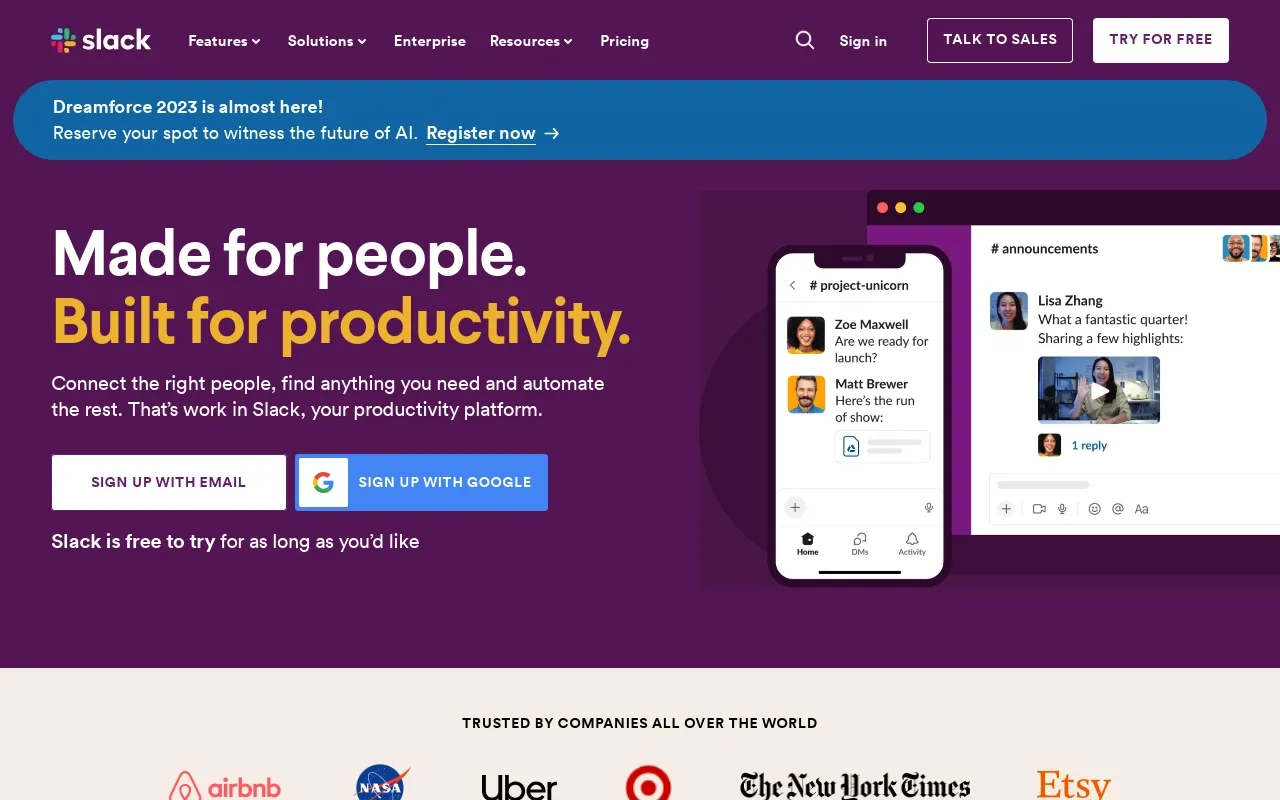
Slack still dominates in companies and Discord in open-source communities. What matters is not which one you use, but how you use it: clear channels per project, integrations with your CI/CD so alerts arrive where the team is already looking, and the discipline of not using it as a substitute for a proper PR review.
slack.com
7. Postman / Bruno / Hoppscotch
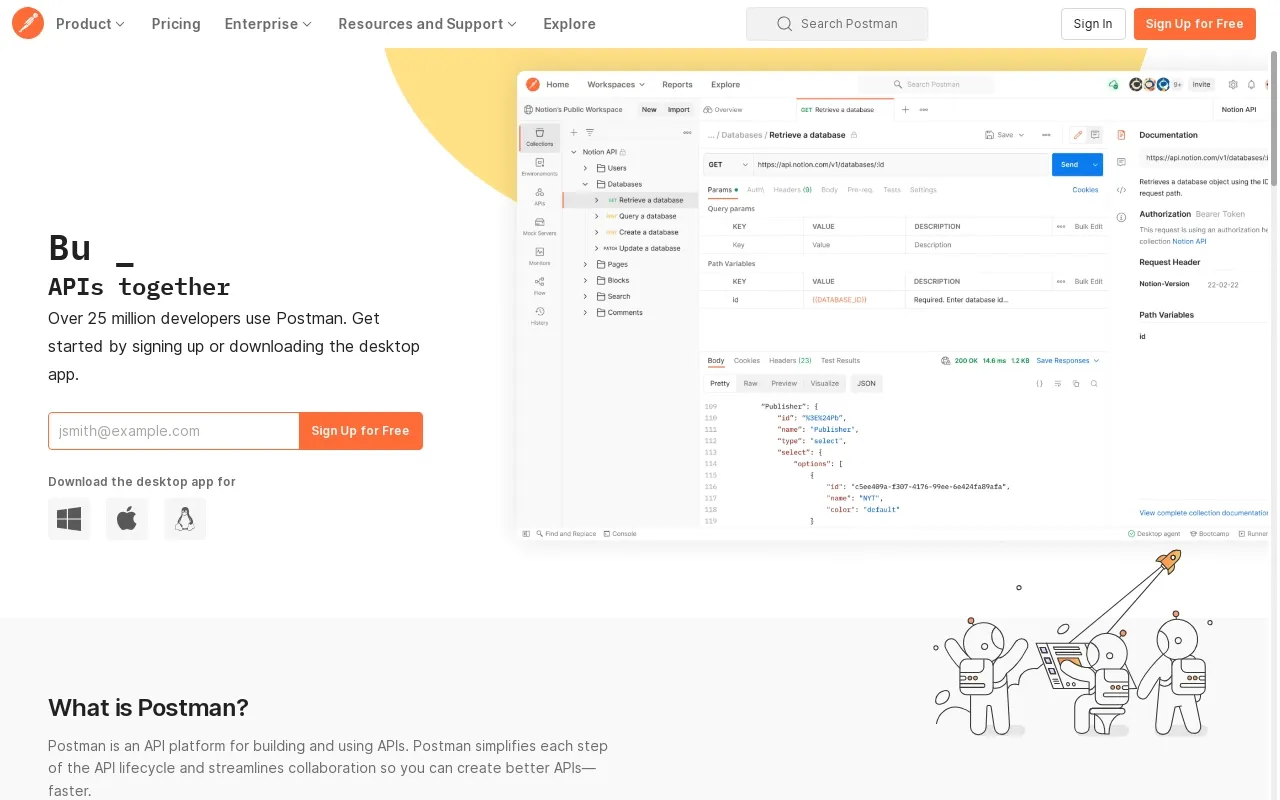
Postman is still the go-to tool for designing and testing APIs, but its shift toward a cloud-first model has pushed many developers toward alternatives:
- Bruno: a local API client, no account required, with git-versioned collections. My recommendation if you work on a team.
- Hoppscotch: an open-source web alternative — lightweight and fast.
Any of the three will serve you well; what matters is that your collections live in the repo, not in someone else’s cloud.
8. Notion (or Obsidian)
The eighth tool covers something we used to take for granted: where you keep project knowledge. Notion has become the hub for documentation, internal wikis, and databases for many small teams. If you prefer your second brain to live in local, version-controlled .md files, Obsidian is the alternative.
The rule is simple: if an important technical decision isn’t written down, it doesn’t exist.
Conclusion
The core of the list hasn’t changed that much: version control, editor, containers, and a task manager are the four timeless pillars. What’s genuinely new in 2026 is the AI assistant in the daily workflow and the mass migration from Jira to Linear among modern teams.
If you want to go deeper on any of these tools, this blog has related guides like the best VS Code extensions and how to choose a good hosting provider that round out the picture. Which of these do you use, and which are you missing? Drop a comment below.
Found it useful? Get the next one by email
Once a week: what breaks when you upgrade, AI for developers and what I'm building, with sources. No spam.
By subscribing you accept our privacy policy.