Regular expressions in JavaScript: a practical guide with examples (2026)

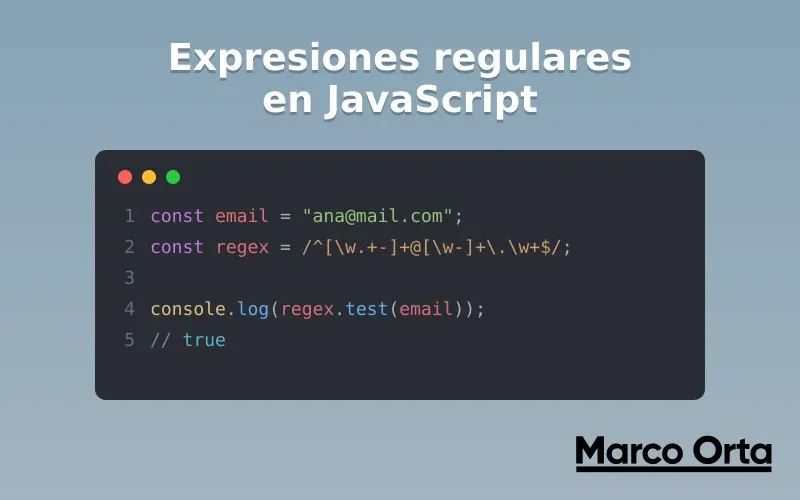
Table of Contents
Regular expressions (regex) are the language you use to describe text patterns: “an email”, “a date”, “five digits in a row”. They look intimidating because of their cryptic syntax, but as soon as you understand the pieces —metacharacters, classes, quantifiers— they become one of the most powerful tools any JavaScript developer has.
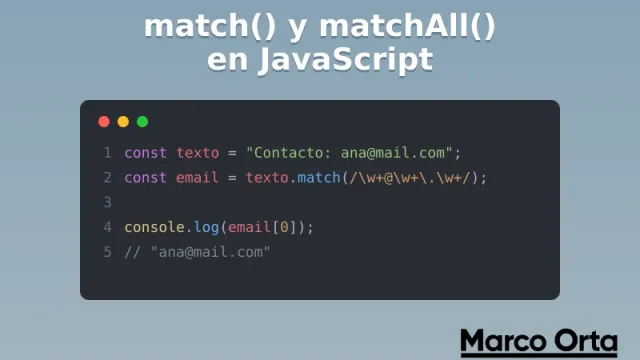
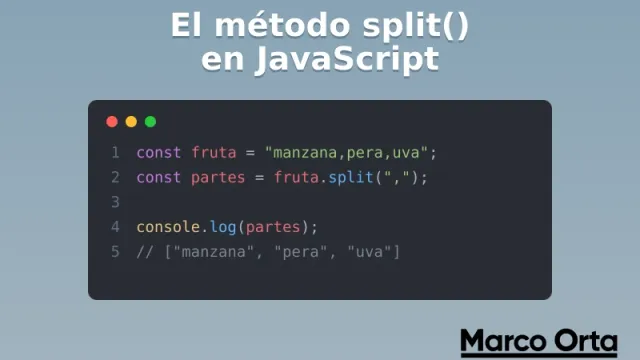
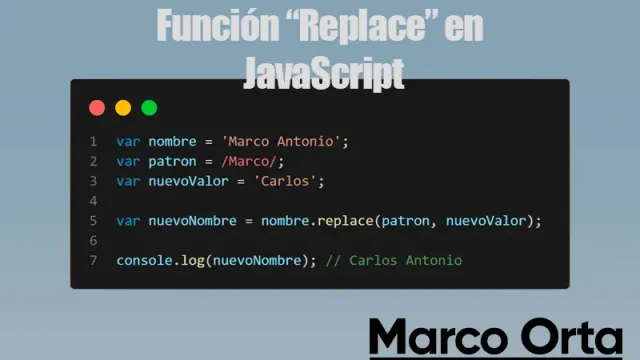
This guide is the theory behind the methods you’ve already seen on the blog: replace() to substitute, split() to divide and match()/matchAll() to extract. Here you’ll learn to build the patterns those methods consume. And since the best way to learn regex is by testing, keep the Regex Tester handy to see each pattern in action as you read.
1. How to create a regular expression in JavaScript
There are two ways to create a regex:
// 1. Literal (between slashes) — the most common
const literalRegex = /\d{4}/;

// 2. Constructor (useful when the pattern is dynamic)
const word = "cat";
const dynamicRegex = new RegExp(`\\b${word}\\b`, "g");
Use the literal form whenever you can: it’s more readable and JavaScript compiles it once. Reach for new RegExp() only when the pattern is built from variables (careful: inside a string you must double the backslashes, \\d instead of \d).
2. The methods that consume regex
A regular expression does nothing on its own; you apply it through a method. These are the five you’ll use 99% of the time:
| Method | What it does |
|---|---|
regex.test(str) | Returns true/false: is there a match? |
str.match(regex) | Extracts the first match (or all with g) |
str.matchAll(regex) | Extracts all matches with their groups |
str.replace(regex, x) | Substitutes whatever matches |
str.split(regex) | Splits the string by the pattern |
3. Literal characters and metacharacters
Most characters match themselves: /house/ finds “house”. But some have a special meaning: they are the metacharacters.
. ^ $ * + ? ( ) [ ] { } | \ /
The most famous is the dot ., which matches any character (except a line break):
/c.t/.test("cat"); // true
/c.t/.test("cot"); // true
/c.t/.test("cut"); // true
If you want to search for a metacharacter literally, you escape it with \. For example, to find a real dot:
/\d+\.\d+/.test("3.14"); // true → the \. is a literal dot
4. Character classes
Square brackets [] define a set: it matches any one of the characters inside.
/[aeiou]/     // a vowel
/[a-z]/       // a lowercase letter (range)
/[A-Za-z0-9]/ // alphanumeric
/[^0-9]/      // NEGATION: anything that is NOT a digit
And there are shortcuts for the most common classes:
| Shortcut | Equals | Meaning |
|---|---|---|
\d | [0-9] | A digit |
\w | [A-Za-z0-9_] | Word character |
\s | spaces, tabs, breaks | Whitespace |
\D \W \S | — | The negation of each |
5. Quantifiers: how many times
Quantifiers indicate how many repetitions of the previous element you’re looking for:
| Quantifier | Means |
|---|---|
* | 0 or more |
+ | 1 or more |
? | 0 or 1 (optional) |
{3} | exactly 3 |
{2,5} | between 2 and 5 |
{2,} | 2 or more |
/\d{4}/     // exactly 4 digits: "2026"
/colou?r/   // "color" or "colour" (the u is optional)
/\w+/       // one or more letters/numbers
Greedy vs lazy
By default, quantifiers are greedy: they capture as much as possible. Adding ? makes them lazy and they capture as little as possible:
const html = "<b>hi</b>";
html.match(/<.+>/)[0];  // "<b>hi</b>"  → greedy: takes everything
html.match(/<.+?>/)[0]; // "<b>"        → lazy: takes the minimum
This is one of the concepts that causes the most confusion; try it in the Regex Tester to see it with your own eyes.
6. Anchors: where it must match
Anchors don’t match characters, they match positions:
/^Hello/   // ^ = start of the string
/bye$/     // $ = end of the string
/^\d{5}$/  // the whole string must be exactly 5 digits
/\bcat\b/  // \b = word boundary (not "category")
The ^...$ anchor is key for validation: it forces the entire string to match the pattern, not just a part of it.
7. Groups and alternation
Parentheses () group and capture. The pipe | works as an “or”:
/(cat|dog)/          // "cat" OR "dog"
/(ab)+/              // "ab", "abab", "ababab"...

// Named groups (recommended)
const m = "2026-07-18".match(/(?<year>\d{4})-(?<month>\d{2})/);
m.groups.year; // "2026"

// Non-capturing group (?:...) → groups without saving
/(?:https?):\/\//    // groups http/https without creating a captured group
8. Lookahead and lookbehind
Lookarounds check what comes before or after without including it in the match. They’re ideal for complex validations:
// Positive lookahead (?=...) → "followed by"
/\d+(?= €)/     // digits followed by " €", without capturing the symbol

// Negative lookahead (?!...) → "NOT followed by"
/foo(?!bar)/    // "foo" NOT followed by "bar"

// Lookbehind (?<=...) → "preceded by"
/(?<=\$)\d+/    // digits preceded by "$"
A classic use: validate a password that has at least one uppercase letter, one lowercase and one digit, using several lookaheads:
const strong = /^(?=.*[a-z])(?=.*[A-Z])(?=.*\d).{8,}$/;
strong.test("Passw0rd"); // true
strong.test("password"); // false
9. Flags: behavior modifiers
Flags go after the closing slash and change how the whole regex behaves:
| Flag | Name | Effect |
|---|---|---|
g | global | Finds all matches, not just the first |
i | insensitive | Ignores upper/lowercase |
m | multiline | ^ and $ match on each line |
s | dotAll | The . also matches line breaks |
u | unicode | Interprets the pattern as Unicode (emojis, \p{...}) |
d | indices | Adds start/end positions of each group |
/hello/gi.test("HELLO world"); // true → regardless of case
"a1b2c3".match(/\d/g);         // ["1","2","3"] → all of them, thanks to g
10. Ready-to-use practical examples
// Email (reasonable validation, not perfect)
const email = /^[\w.+-]+@[\w-]+\.[\w.-]+$/;

// Flexible international phone
const phone = /^\+?[\d\s()-]{7,15}$/;

// http/https URL
const url = /^https?:\/\/[\w.-]+(\.[a-z]{2,})+(\/\S*)?$/i;

// US ZIP code (5 digits)
const zip = /^\d{5}$/;

// Extract every hashtag from a text
const hashtags = "I love #js and #regex".match(/#\w+/g);
// ["#js", "#regex"]
⚠️ For emails, regex validation is never 100% complete (the real standard is huge). A simple pattern like the one above filters 99% of typos; for the rest, confirm with a verification email.
11. Common mistakes and performance
- Forgetting to escape metacharacters. Searching for a literal dot or parenthesis without
\changes the meaning of the pattern. - Not using
^...$when validating. Without anchors,/\d{5}/accepts “abc12345xyz” because it contains 5 digits. test()with thegflag in a loop. The regex object keepslastIndexbetween calls and returns alternating results; create the regex where you use it or drop theg.- Catastrophic backtracking. Patterns like
/(a+)+$/on long inputs can hang the browser. Avoid nested quantifiers and prefer specific classes. - Doubling backslashes in
new RegExp. Inside a string,\dmust be written\\d.
With these building blocks —classes, quantifiers, anchors, groups and lookarounds— you can already read and write most of the regular expressions you’ll come across. The rest is practice: every pattern you build will feel more natural than the last.
Conclusion
Regular expressions stop being scary when you see them for what they are: a small set of building blocks (classes, quantifiers, anchors, groups and lookarounds) that combine. Master them and you’ll be able to validate, extract and transform text with a power no other string method gives you.
To apply all this in your code:
- JavaScript replace and replaceAll — substitute text with your patterns.
- The split() method — divide strings using regex as the separator.
- match() and matchAll() — extract matches and groups.
- Regex Tester — build and debug your patterns in real time.
What’s the pattern you always have to look up on Google? Save it, and next time build it yourself from scratch: you’ll find you no longer need to.
Found it useful? Get the next one by email
Once a week: what breaks when you upgrade, AI for developers and what I'm building, with sources. No spam.
By subscribing you accept our privacy policy.